 This is a read-only archive of the inkscapeforum.com site. You can search for info here or post new questions and comments at
 Hey,
can someone give me some hints about how to draw these rectangles http://www.designbewerbung.de/bildergalerie/img/deckblattvorlage-bewerbung-deckblatt.png
in a clean way?
connected rectangles

Re: connected rectangles
I'm not quite sure what you mean by "in a clean way". I would draw the rectangles with Rectangle tool, then Path menu > Object to Path. Then engage snapping to cusp/corner nodes, and snap them together.
Or you could even skip Object to Path, and snap bounding box corners!
Another way might be to use a grid, and set up snapping to the grid. The use the Pen/Bezier tool to set the corner nodes. I would probably use this method, but that's just me. It's probably a little more "technical" for a new user, so using the Rectangle tool would probably be a little more intuitive if you're new to Inkscape.
And I say all of that, still without knowing exactly what you mean by "clean way". So it that's not clean enough, let us know, and we'll try again
Or you could even skip Object to Path, and snap bounding box corners!
Another way might be to use a grid, and set up snapping to the grid. The use the Pen/Bezier tool to set the corner nodes. I would probably use this method, but that's just me. It's probably a little more "technical" for a new user, so using the Rectangle tool would probably be a little more intuitive if you're new to Inkscape.
And I say all of that, still without knowing exactly what you mean by "clean way". So it that's not clean enough, let us know, and we'll try again
Basics - Help menu > Tutorials
Manual - Inkscape: Guide to a Vector Drawing Program
Inkscape Community - Inkscape FAQ - Gallery
Inkscape for Cutting Design
Manual - Inkscape: Guide to a Vector Drawing Program
Inkscape Community - Inkscape FAQ - Gallery
Inkscape for Cutting Design


Re: connected rectangles
Hi.
Quickly made example;
Have Fun!
RGDS
Ragnar
Quickly made example;
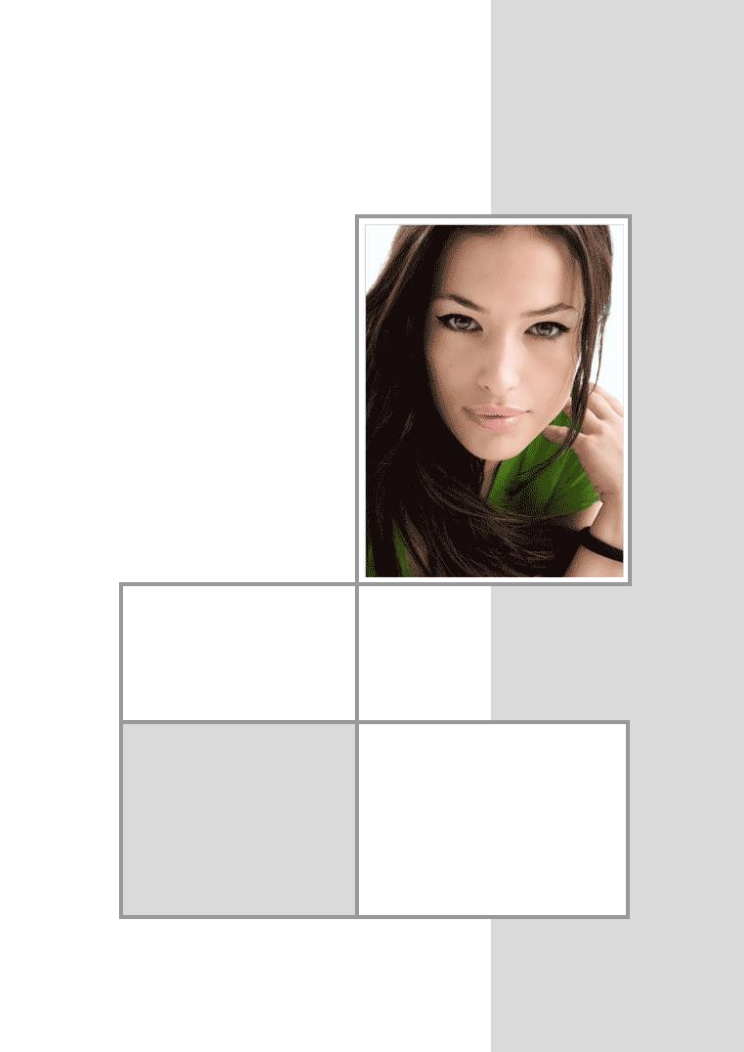
Have Fun!
RGDS
Ragnar
Good Luck!
( ͡° ͜ʖ ͡°)
RGDS
Ragnar
( ͡° ͜ʖ ͡°)
RGDS
Ragnar
Re: connected rectangles
Thanks for the help so far. I'm sure I'll figure it out now. By the 'clean way' I just meant drawing the rectangles so that you can't see double drawn lines or small spaces in between. I guess that's what snapping is for. 
Re: connected rectangles
An important question to start, is how it will be used?
The uncleanyness is caused by anti-aliasing.
Your png's colours went like indexed gif's palettes, that is adding some more troubles.
If you want this to be printed, you better save it to a vector svg, avoiding problems from anti-aliasing.
If not, then you will need things to draw pixel-fitted in inkscape, and have a "clean" result by well chosen exporting resolution value.
That is, by using even pixel values for everything, including position coordinates, line widths, and so on,
and, using numbers of 90 dpi at the export.
But you might as well draw all these things with gimp.
If you don't need a large raster image -non-printing material-, that is an easier way to go to achieve a pixel-fitted image.
The uncleanyness is caused by anti-aliasing.
Your png's colours went like indexed gif's palettes, that is adding some more troubles.
If you want this to be printed, you better save it to a vector svg, avoiding problems from anti-aliasing.
If not, then you will need things to draw pixel-fitted in inkscape, and have a "clean" result by well chosen exporting resolution value.
That is, by using even pixel values for everything, including position coordinates, line widths, and so on,
and, using numbers of 90 dpi at the export.
But you might as well draw all these things with gimp.
If you don't need a large raster image -non-printing material-, that is an easier way to go to achieve a pixel-fitted image.