My first Inkscape project - what am I doing wrong?

Post questions on how to use or achieve an effect in Inkscape.
Caezar
Posts: 1
Joined: Sun Feb 23, 2014 11:33 pm

My first Inkscape project - what am I doing wrong?

Postby Caezar » Sun Feb 23, 2014 11:58 pm

Hi,

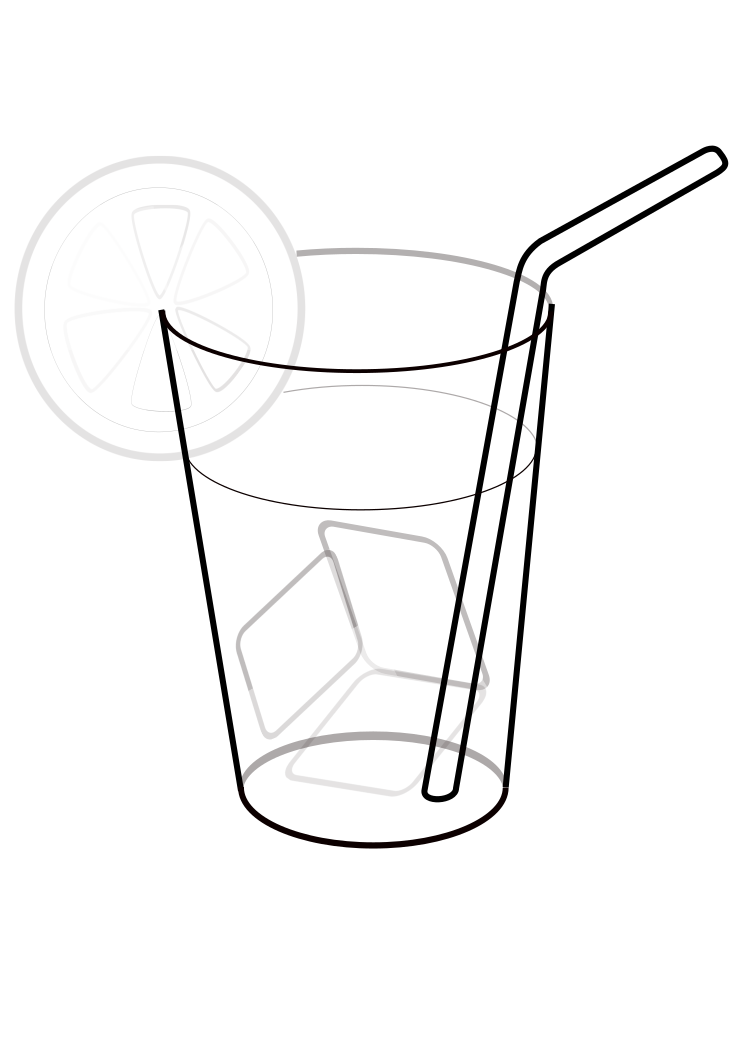
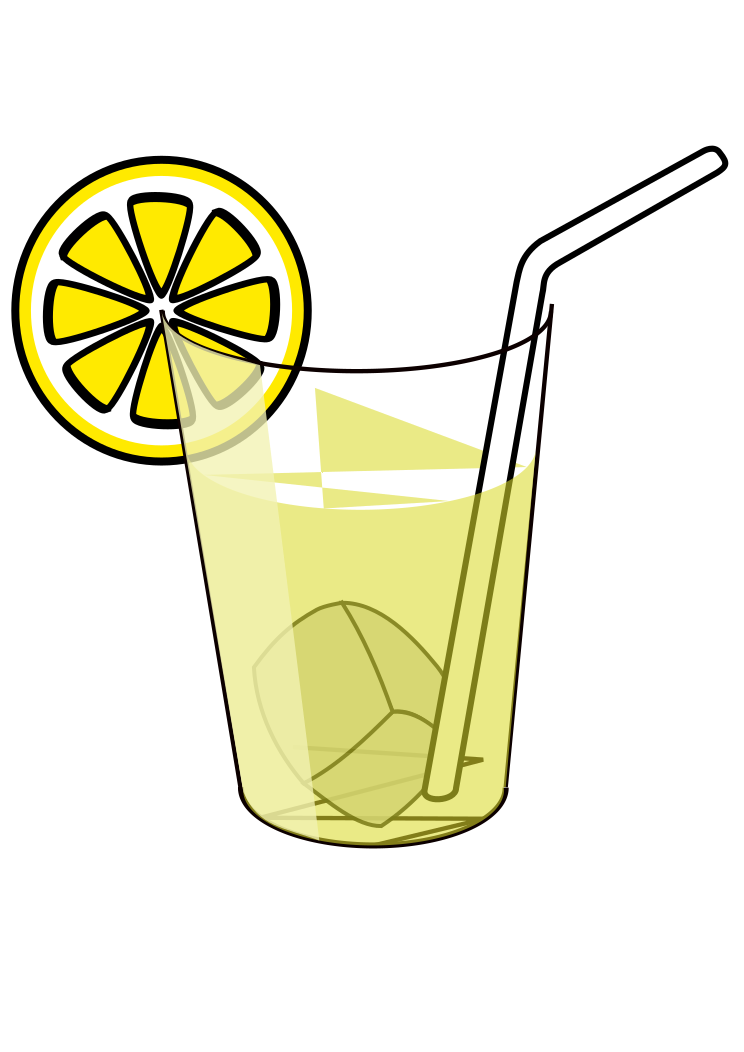
I am trying to re-create a simple clipart (*), as part of a course I am taking. I think I have a decent blueprint for the shapes. However, when I export the image as a bitmap (**), the result is not what I expected. Notice how the lemon slice's shapes have different transparency settings. I was not able to overlap the shapes without using the opacity setting. But when I do so, and I export the image as bitmap, the result is not what I expected (the background's colour is not uniform).

Could you please help me pinpoint what I did wrong and suggest some techniques I could use to improve on my svg file (***)?
(*)

model.png
The model I am trying to re-create
model.png (76.55 KiB) Viewed 821 times

(**)
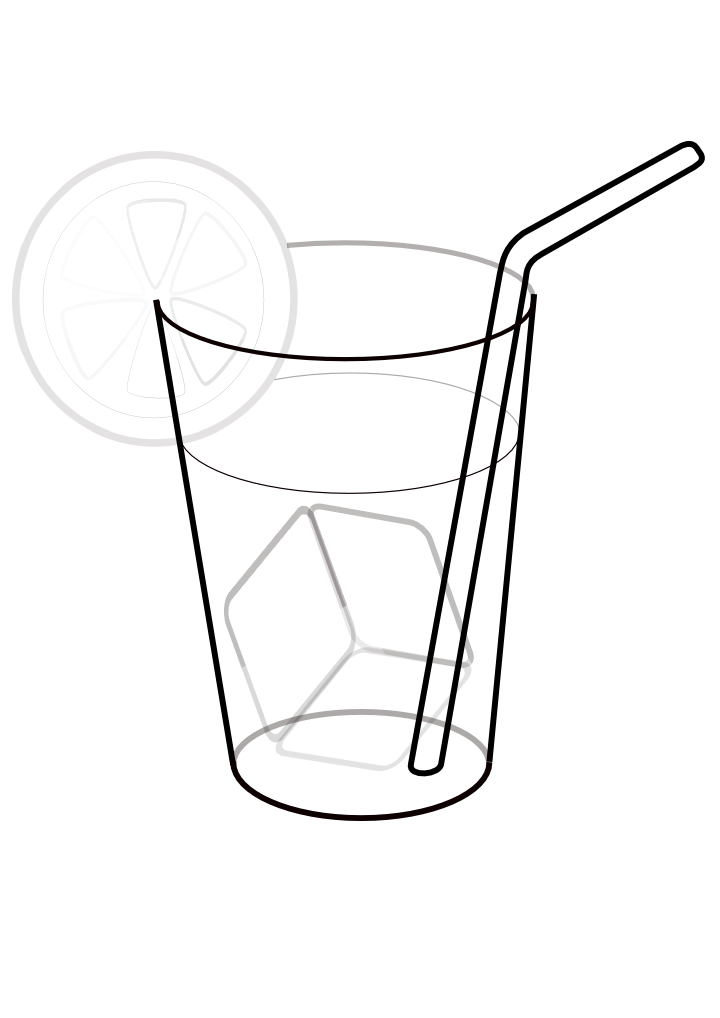
my_attempt.png
My attempt to re-create the model (png file)
my_attempt.png (95.9 KiB) Viewed 821 times

(***)
my_attempt.svg
My attempt to re-create the model (svg file)
(164.01 KiB) Downloaded 154 times


Thanks,

Caezar

Lazur
Posts: 4717
Joined: Tue Jun 14, 2016 10:38 am

Re: My first Inkscape project - what am I doing wrong?

Postby Lazur » Mon Feb 24, 2014 1:02 am

Ave!

You used 17 objects including stars, rectangles, ellipses and 6 embedded raster images, and most objects have some transparency.
To reproduce that image above you would be fine with no less than 9 paths.
I suggest you to start it over and concentrate on the lemon part to get the flow.
Three paths would be enough for that, the things to learn are
  • the use of the PgUp/PgDown, Home, End keys,
  • the use the fill and stroke panel (Shift+Ctrl+F),
  • converting to path (Shift+Ctrl+C) and combining them (Ctrl+K),
  • how to use the node editor tool on them,
  • duplicating objects (Ctrl+D).
There could be others as well, but those listed are the basics.

Read the manual for informations on those:
http://tavmjong.free.fr/INKSCAPE/MANUAL/html/

For some tutorials, check out http://forum.inkscapecommunity.com/index.php.

Good luck!

User avatar
ragstian
Posts: 1181
Joined: Thu Oct 11, 2012 2:44 am
Location: Stavanger-Norway

Re: My first Inkscape project - what am I doing wrong?

Postby ragstian » Mon Feb 24, 2014 1:38 am

Hi

As Lazur said, first of all get rid of ALL the embedded images. They are not needed.

Then draw the different part and adjust which part that goes under/over by selecting and using page-down/page-up.
My (very) quick edit of your image resulted in this;


Image

my_attempt_As_Vectors.svg
(26.35 KiB) Downloaded 163 times

(Note the difference in SVG file size when getting rid of the embedded images)

When stuck, read the manual, post here and last but not least; experiment!!
Good Luck.
RGDS
Ragnar
Good Luck!
( ͡° ͜ʖ ͡°)
RGDS
Ragnar


Return to “Help with using Inkscape”