Welcome Shannon!
Have you managed to open the file with Inkscape yet? There's no way to know whether a file has more than one layer, just by looking at a JPG. But once you get the file open, you can look at the layers indicator at the bottom of the window. (See
http://tavmjong.free.fr/INKSCAPE/MANUAL ... atomy.html.) Also, just to the right of the layer indicator, is the status bar. That's a very important feature, and one that will be invaluable to you, as you learn to use Inkscape! Anyway, the layer indicator, is a dropdown...., or I guess dropup menu, in this case. Once you click the button to open the menu, you'll be able to see if there is more than one layer. But it might not even matter about the layers.
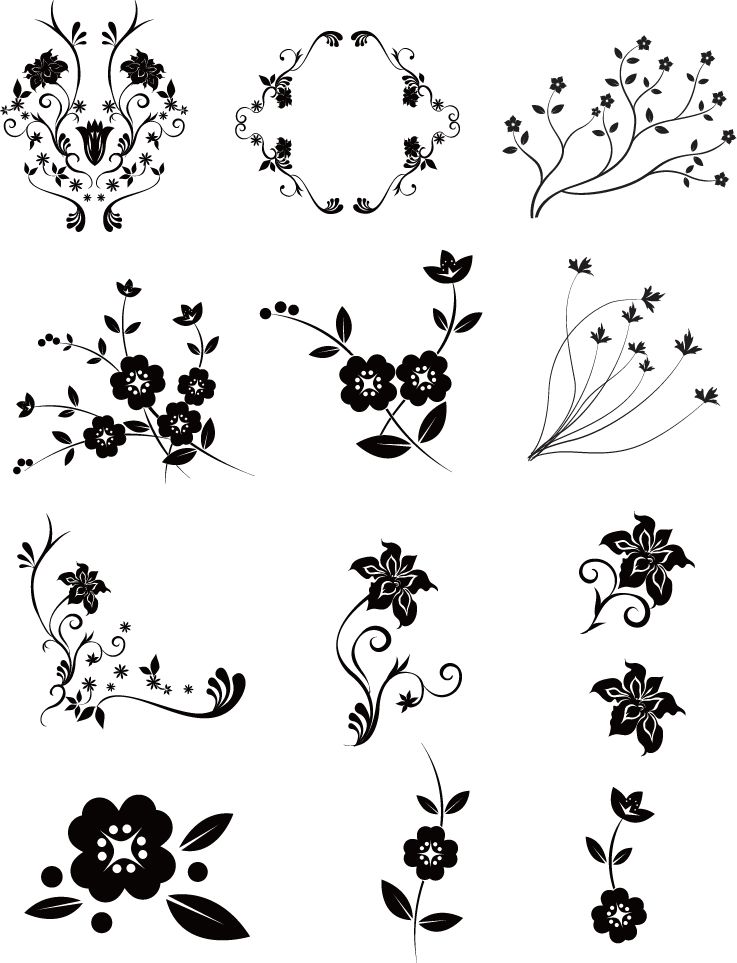
Next, using the Selection tool, click on one of the images. Hopefully, you'll see the bounding box (dotted line rectangle with arrows) completely surrounding the image. If that's what you see, that probably (but not necessarily) means that the entire object is selected. Now you can do whatever you want with it -- copy, then paste into a new document, for example. Note that you'll need to have the new blank document already open before you copy (one of many "quirks" of Inkscape).
Let us know if you run into any snaps

 This is a read-only archive of the inkscapeforum.com site. You can search for info here or post new questions and comments at