Ps. yes i used the search feature on here but didn't find any help. I have also watched numerous youtube videos to no avail...
Help with outlines and filling
-
Skangster76
- Posts: 6
- Joined: Wed Aug 24, 2016 5:33 am
Help with outlines and filling
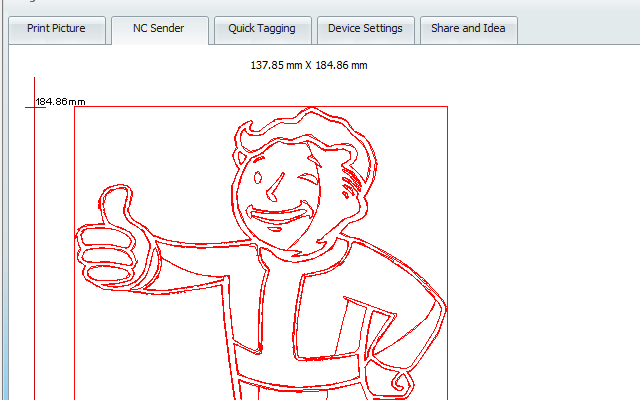
Hello. I try to explain best to my ability so try to be patient. I just started learning inkscape when i got a laser engraver. I have been using the "Path->Trace bitmap" for outlines, but i can't figure out for the life of me how to get "some color" inside the lines. If that makes any sense.Now when i export my stuff i always get just the outlines but nothing more. As an example look at this vaultboy picture, say i want to get some "color" on the part where the shirt is, what do i do? Thanx and sorry...
Ps. yes i used the search feature on here but didn't find any help. I have also watched numerous youtube videos to no avail...
- Attachments
-

- Vaultboy example.png (15.45 KiB) Viewed 2433 times
-
Skangster76
- Posts: 6
- Joined: Wed Aug 24, 2016 5:33 am
Re: Help with outlines and filling
Without having an actual file to look at, my best advice is to use the
and click in the area you want to paint. This does create another object each time you click though. The better way would be to use the outlines you have to make new objects which you can fill properly with a single style, but that may be a lot of fine, detailed and advanced work for you.Your mind is what you think it is.
-
Skangster76
- Posts: 6
- Joined: Wed Aug 24, 2016 5:33 am
Re: Help with outlines and filling
Thanx for the reply. I tryed with the paint bucket, yes it colors the area but when i make it to an nc-file the laser engraver program sees just the outlines,it ignores the fild in fields. I think i would need a way to make at least a grid in the colored areas to get a shadow or filled in look when egraving.
Re: Help with outlines and filling
Try the hatches path effect although it takes a lot of fiddling to get it right
Your mind is what you think it is.
-
Skangster76
- Posts: 6
- Joined: Wed Aug 24, 2016 5:33 am
Re: Help with outlines and filling
Where do i find that? And as plan-b, do you have any other ideas. I've been trying to get this to work for 3 days now 
Re: Help with outlines and filling
Hi.
It's in the path/live path effects and then add hatches (rough).
Haven't tested but gcodetools have some potention too.
-another example-
It's in the path/live path effects and then add hatches (rough).
Haven't tested but gcodetools have some potention too.
-another example-
-
Skangster76
- Posts: 6
- Joined: Wed Aug 24, 2016 5:33 am
Re: Help with outlines and filling
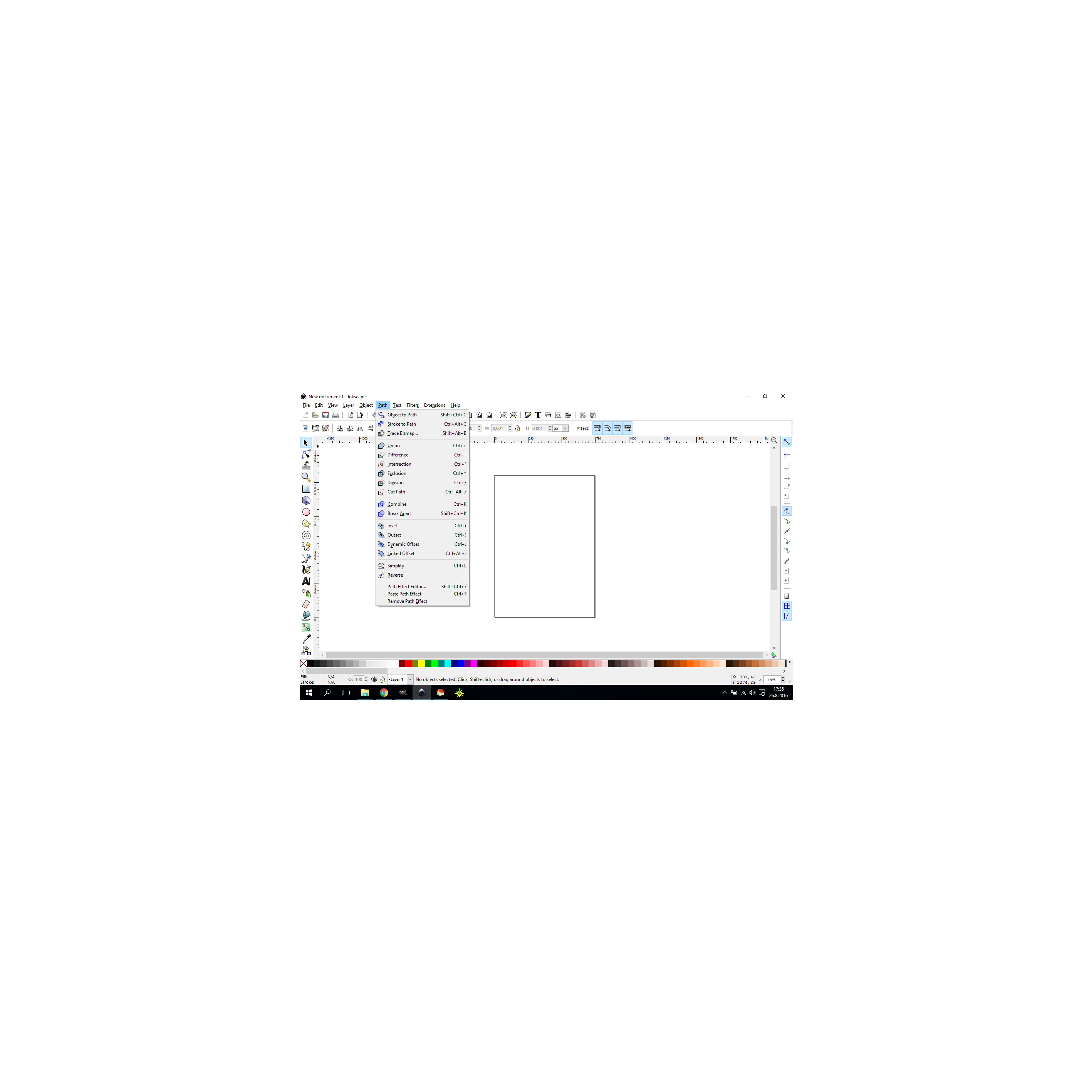
I don't see that...
- Attachments
-

- Nothing.jpg (248.23 KiB) Viewed 2288 times
Re: Help with outlines and filling
Path effects, my bad... Shift+Ctrl+7.
-
Skangster76
- Posts: 6
- Joined: Wed Aug 24, 2016 5:33 am
Re: Help with outlines and filling
It tells me to at least s
choose two points or something... Goddamnit...