 This is a read-only archive of the inkscapeforum.com site. You can search for info here or post new questions and comments at
 Hi all,
First, thanks for a great piece of software!
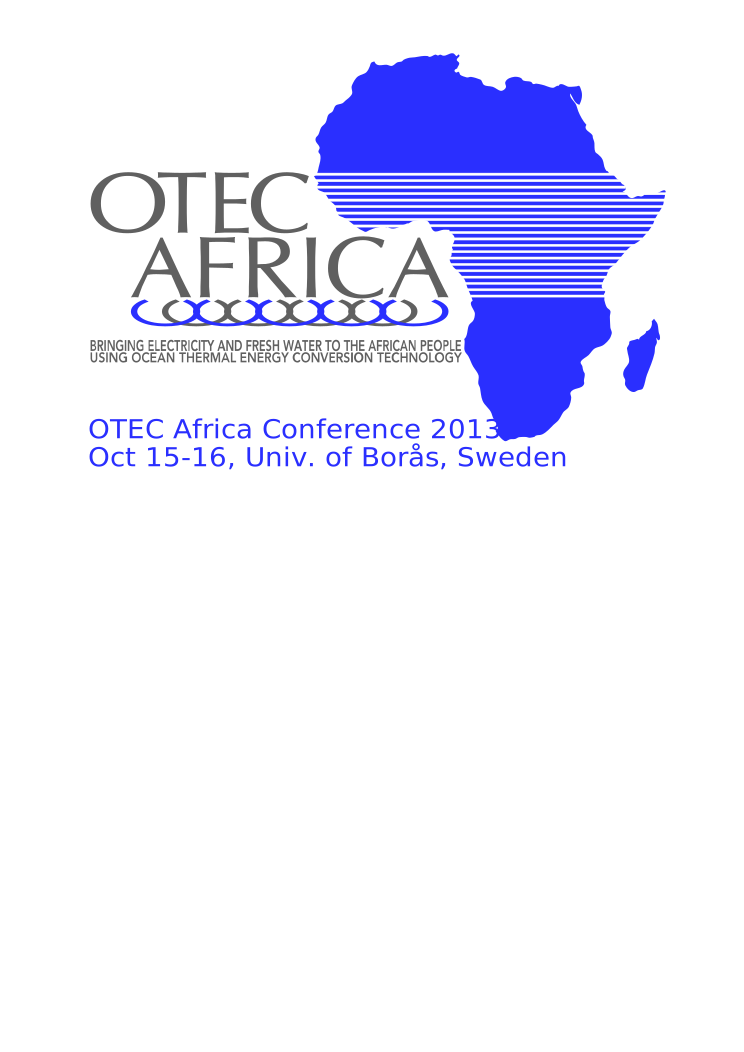
I have a problem: I try to combine to vectorised objects, an image of Africa with a number of white stripes on top of it. I use the stripes to cut holes in the underlying object. The problem is that when I use Exclusion to remove the parts that overlap I also get the parts of the stripes that are poitning out from the image. They are white so in a way it's not a problem, but I need this logotype for a t-shirt and then I can't have these white leftovers. What should I do?
I attach the logotype I am working on, so you can see better what I mean and try to accomplish.
Thanks so much for any replies
Petter
Cutting through an object
-
petter2013
- Posts: 4
- Joined: Sun Sep 22, 2013 6:10 pm
Cutting through an object
- Attachments
-
- OTEC_Africa_Conference_logo.svg
- (64.93 KiB) Downloaded 254 times

Re: Cutting through an object
You're on the right lines, but rather than using Path > Exclusion, use Path > Difference.