 This is a read-only archive of the inkscapeforum.com site. You can search for info here or post new questions and comments at
 Rookie question ... I've created an image with a number of nodes and have combined all the nodes into a path. Now, I want to fill but I do not get what I was hoping for. Attached is the svg file showing the unexpected result. I would like the entire area filled in, but a diamond shape in the middle is not filled in. What am I doing wrong?
Unexpected result when filling in

Re: Unexpected result when filling in
Thanks for the reply.
I'm not following, however. The screenshot you show is different than what I am working with. In your pic, there is a gap, but there is no gap in mine.
I'm not following, however. The screenshot you show is different than what I am working with. In your pic, there is a gap, but there is no gap in mine.
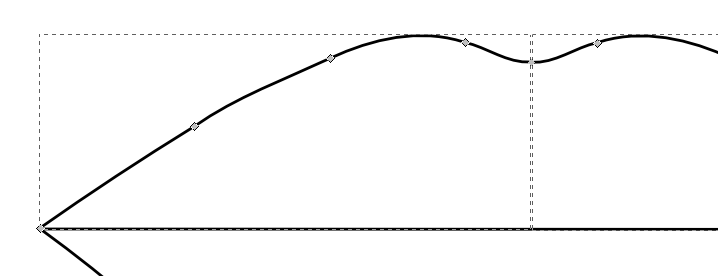
- Screen shot 2013-07-09 at 6.08.07 PM.png (13.46 KiB) Viewed 861 times
Re: Unexpected result when filling in
ok, got it. I had to backstep a little to get it, but its all filled in now. Thanks so much for your help.