Thanks
Problems Dividing a Rounded Rectangle
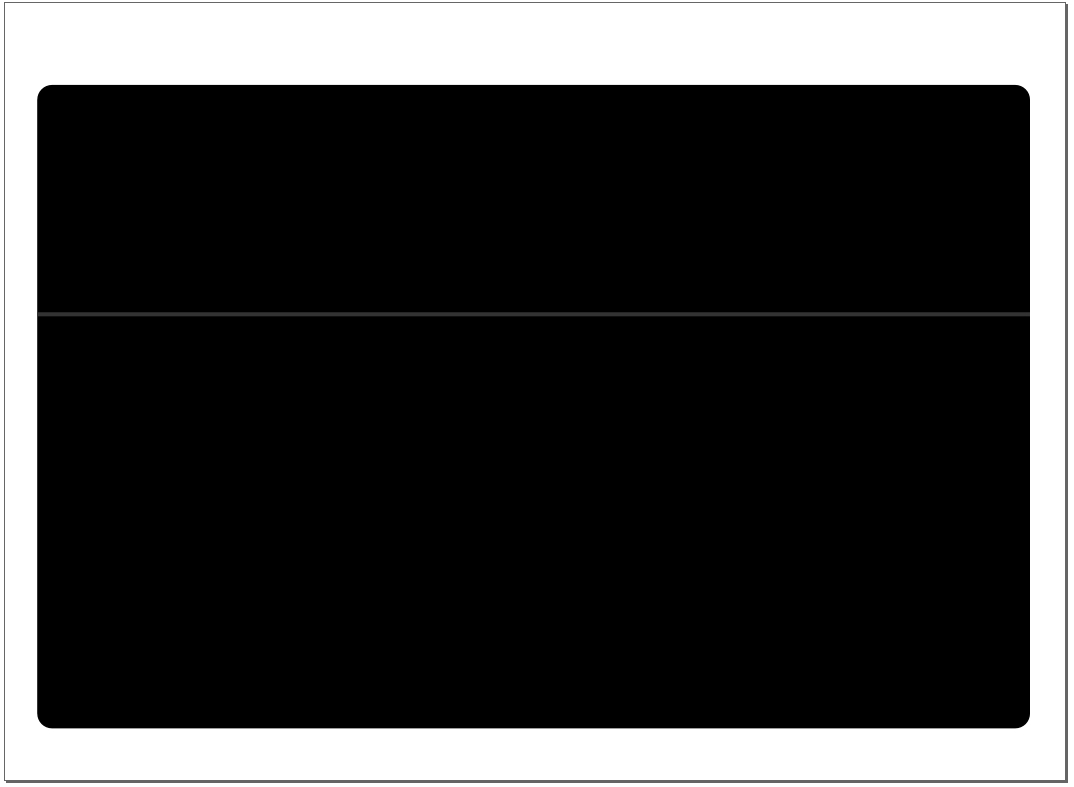
I am VERY new to Inkscape, and have chosen it as the editor of choice to use while building the UI of a new software. Currently, I am working on a login screen, and need some assistance in editing what I currently have. The shape is a rounded rectangle (see attached image.) The idea is to make the color of the rectangle above the dark grey division line a different color than the rectangle below the division line. From my little experience with image editors, my approach was to outline the top part of the rectangle using the Bezier tool, and then make that it's own object, seperate from the division line and bottom portion. I could then simply change the fill to whatever I please. Is this the right approach? Could someone provide me with some clear instructions to do this?
Thanks
Thanks
- Attachments
-

- An example of the rounded rectangle
- CutRoundedRectangle.png (6.82 KiB) Viewed 1203 times
Re: Problems Dividing a Rounded Rectangle

Welcome to InkscapeForum!
It sounds like you have the right idea. Rather than draw a new object, I would probably duplicate the original rectangle, then do some node editing to remove the unwanted half. That way, the top part of the rectangle is identical. Drawing with Pen, especially with rounded corner rectangle, will undoubtedly have little glitches here and there.
For a new Inkscape user, it might be easier to use a path operation, rather than node editing. Try this.
-- After you draw the round corner rectangle, duplicate it twice. Then go to Rectangle tool control bar, and click the far right button, which will make the 2nd duplicate a sharp corner rectangle.
-- Switch to Selection tool. Hold Shift and Ctrl keys, while dragging a corner arrow, to make it slightly larger than the rounded rect.
-- Now drag the sharp corner rect downward while holding Ctrl key (or use Down arrow key) to position the top edge of the sharp corner rect where you want the bottom of the new half-rect to be -- where your gray line is.
-- If they don't already have a fill, give both duplicate rectangles any color fill, doesn't matter what. Maybe give them different colors, just to make selection easier.
-- Select both the round corner and sharp corner duplicate rectangles, (hold Shift key for multiple selection) then Path menu > Difference
Now you should have half a rounded rectangle, precisely on top of the original
Basics - Help menu > Tutorials
Manual - Inkscape: Guide to a Vector Drawing Program
Inkscape Community - Inkscape FAQ - Gallery
Inkscape for Cutting Design
Manual - Inkscape: Guide to a Vector Drawing Program
Inkscape Community - Inkscape FAQ - Gallery
Inkscape for Cutting Design
Re: Problems Dividing a Rounded Rectangle
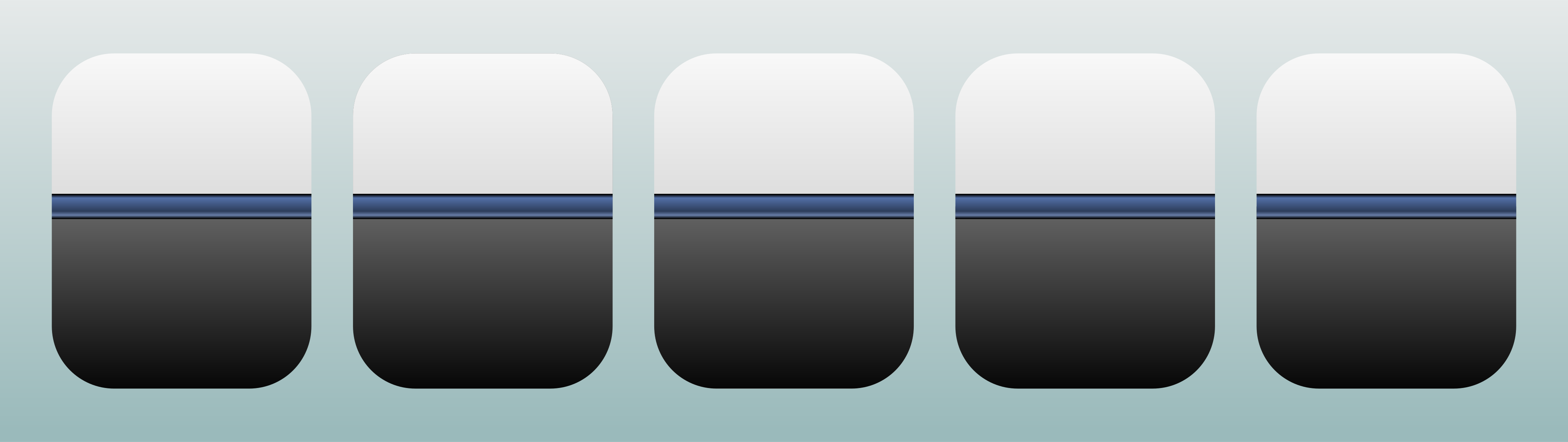
There are more different ways of doing that.
In the svg below there are five, I would go with the right one.
By clipping the objects to shape.
But others may suggest a different approach.
In the svg below there are five, I would go with the right one.
By clipping the objects to shape.
But others may suggest a different approach.
- Attachments
-
- hlp29.svg
- (24.51 KiB) Downloaded 164 times
Re: Problems Dividing a Rounded Rectangle
Lazur URH wrote:There are more different ways of doing that.
In the svg below there are five, I would go with the right one.
By clipping the objects to shape.
But others may suggest a different approach.
I love what you did here... how did you get the division line to have the "shiny" look?
Re: Problems Dividing a Rounded Rectangle
Just added a simple gradient.
You can set such fill at the stroke and fill panel -Shift+Ctrl+F.