Postby Lazur » Sun Aug 11, 2013 9:28 am
Hi there!
To me it seems you know your way around in inkscape.
You just need to work a bit more with those details, as you did already.
Though you could change some things.
I think the reference image you have placed the shades in the leaves systematically.
Light comes from top left, adding shadows to the lower parts, resulting in a more plastic look than yours.
I see that it has three tones, while yours have only two.
Some more details would look good around the overall shape, not just at the inner parts.
The highlights on the original tree body have some gradient-like look.
Can't tell much more how to add details, it all depends on your artistic view.
And on what/how the final version you want to use.
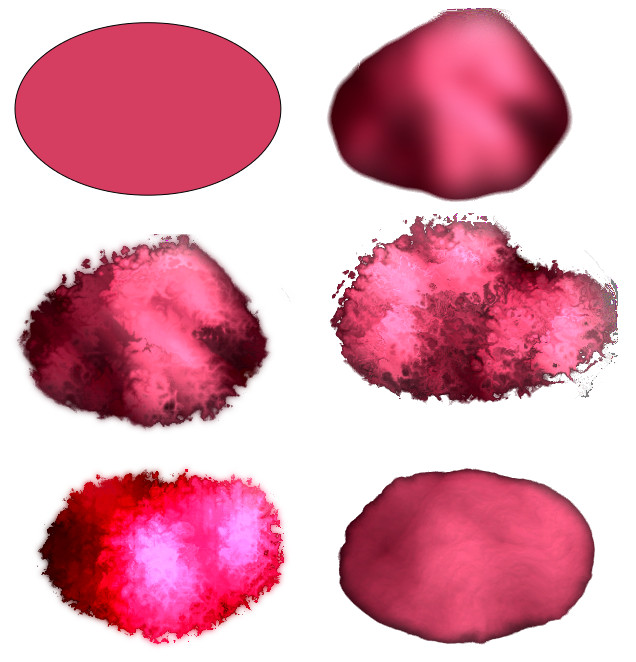
You can use filter effects, or plain flat fills to make your tree look more alike.
If you want a screen ready image, maybe it would be an easier thing to do in gimp.
If you want a framed image on the wall, you may consider not using any filters at all.


 This is a read-only archive of the inkscapeforum.com site. You can search for info here or post new questions and comments at inkscape.org/forums